How to turn your old hard drives into a RAID array
Your old hard drives still have some live left in them.
Nog geen ander medium dat Zonactu volgt, meldt dit bericht.
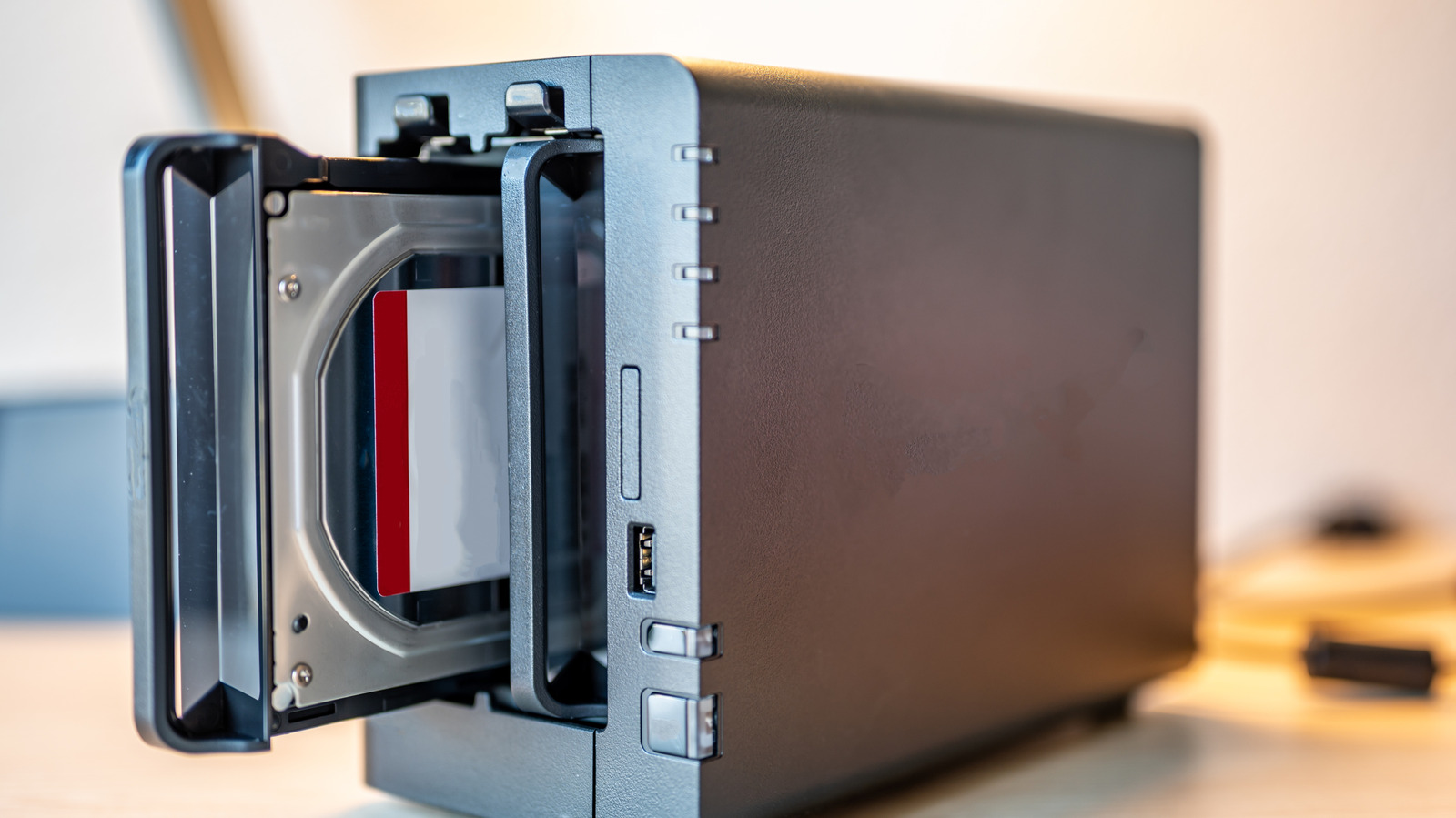
RAID 0 essentially combines two or more disks into a single unit without parity. This process, known as striping, speeds up file read and write times. It can be very useful if you work with large files, such as videos or databases, because it combines the total storage space of all the drives. But it's not all good news. The downside is that RAID 0 offers zero data protection. If a drive fails, you lose everything. In short, it's a great way to get faster speeds, but not so great for keeping your data safe.
If you need something more reliable, there's RAID 1. With this setup, the system writes exactly the same data to every disk in the array. If one of the disks fails or disconnects, you'll still have everything on the other one. No need to worry about losing your data — perfect for when you're working on an important project. That doesn't mean it's flawless, but the chances of losing your data are much lower. You also get faster speeds, but you sacrifice storage space. RAID 1 uses 50 percent of the total capacity to create this mirrored copy. Let's say you combine two 1TB drives. You'll only be able to store up to 1TB of files instead of 2TB.
Then there's RAID 5 and RAID 10, and that's where things get a little complicated. With RAID 5, data is divided into blocks and written across multiple drives. It requires at least three drives to run — and if one of them fails, you won't lose your data either. The system uses the remaining drives and algorithms to automatically reconstruct the missing data. RAID 10, on the other hand, works sort of like a combination of RAID 0 and RAID 1. Multiple drives can be grouped into pairs, and each pair will have a copy of its data. Did a single drive fail? No problem. But if a mirrored pair fails, you could lose your data.