Mozilla’s Firefox Enterprise lets companies block shadow AI in the browser
Żadne inne medium obserwowane przez Zonactu nie podaje jeszcze tej wiadomości.
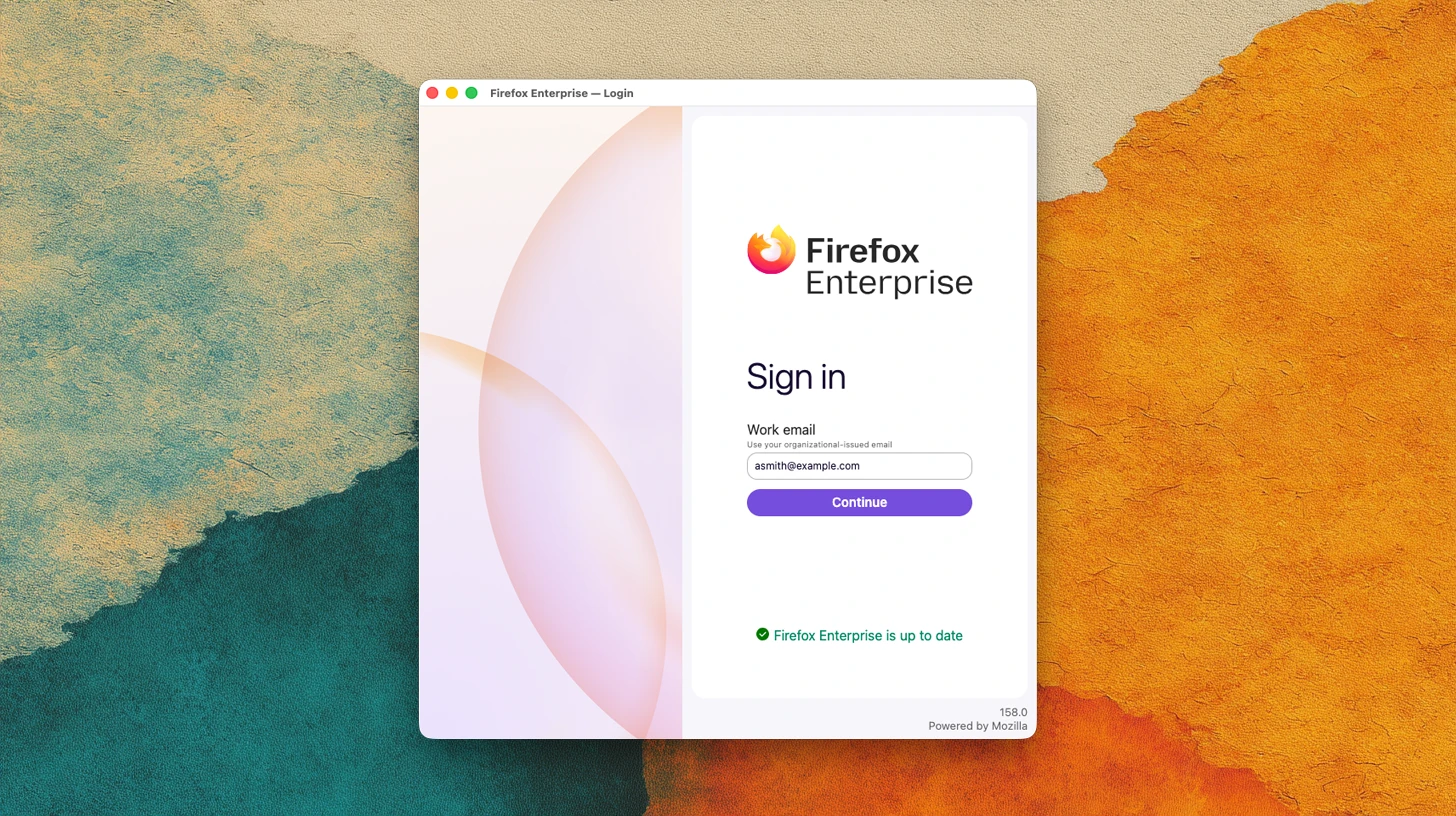
Mozilla’s Firefox Enterprise is a paid platform that lets organizations control how sensitive data is shared , check device security, and manage employee access to web applications.
The platform pairs the browser with a management dashboard hosted on an organization’s own infrastructure. IT teams can set policies across their workforce, restrict AI tools, and connect browser activity to existing security monitoring systems.
Mozilla is targeting organizations with demanding security and regulatory requirements .
Firefox Enterprise lets administrators block or warn about pasting text, uploading files, downloading documents, and printing on selected websites. A company could prevent employees from pasting confidential material into an AI service it has not approved.
Built-in data protection checks run on the employee’s device. Organizations using a compatible third-party system can have that system handle the checks.
Administrators can allow, limit, or block AI services and disable browser AI features. Policies can apply to individual users or groups, allowing organizations to set different rules for different roles.
Employees sign in through their organization’s login provider, including any required MFA . Firefox Enterprise can check whether a device meets security requirements, such as having disk encryption and security software running.
The browser can deny sign-in or sign an employee out when a device fails those checks. Administrators can remotely sign out connected devices, including lost or stolen laptops.
An Access Connector provides access to internal websites and applications through a company-controlled proxy. This supports employees and contractors working from personal devices without requiring a device-level VPN.
Mozilla says Firefox Enterprise uses website isolation, extension controls, and managed security updates to help protect against phishing, malware, and malicious websites. IT teams can govern which add-ons are allowed and extend existing data protection tools, including products from Trellix and Broadcom, into the browser.
Lockdown Mode adds restrictions to selected sites and can isolate their browsing data. The platform encrypts stored history, login information, and other profile data by default.
Administrators can place identifying watermarks on sensitive pages to help trace shared screenshots. They can enforce a minimum browser version and schedule updates.
Firefox Enterprise can export browser events and administrative actions to an organization’s security monitoring system. This gives security teams information they can use when investigating incidents and reviewing policy changes.
Security logging is optional, with administrators choosing the activities recorded and the level of detail. Records go to the organization’s dashboard. Employees see a notice explaining that their browser is managed.
Hosting the platform internally gives organizations control over management data, encryption keys, telemetry, and policies. Mozilla supplies the software, updates, and documentation, while customers operate the infrastructure and manage their data and governance requirements.
The platform disables connections to Mozilla and third-party services that are unnecessary in a managed deployment. Organizations cannot re-enable those connections.
Mozilla presents the platform as a way to reduce dependence on a single browser engine. Firefox uses Gecko, Mozilla’s software for rendering websites. The company argues that using different engines can reduce shared exposure to vulnerabilities across an organization’s browsers.
“We built Firefox differently,” Anthony Enzor-DeMeo . “And we’re bringing its independent architecture to institutions that are ready to rethink their dependencies and risk.”
Mozilla’s initial sales focus is France, Germany, Austria, and Switzerland, with additional markets planned.
Organizations can request a demonstration of Firefox Enterprise, which includes standard professional support. Regular Firefox and Firefox Extended Support Release remain free, with paid support available for organizations using those browsers.